
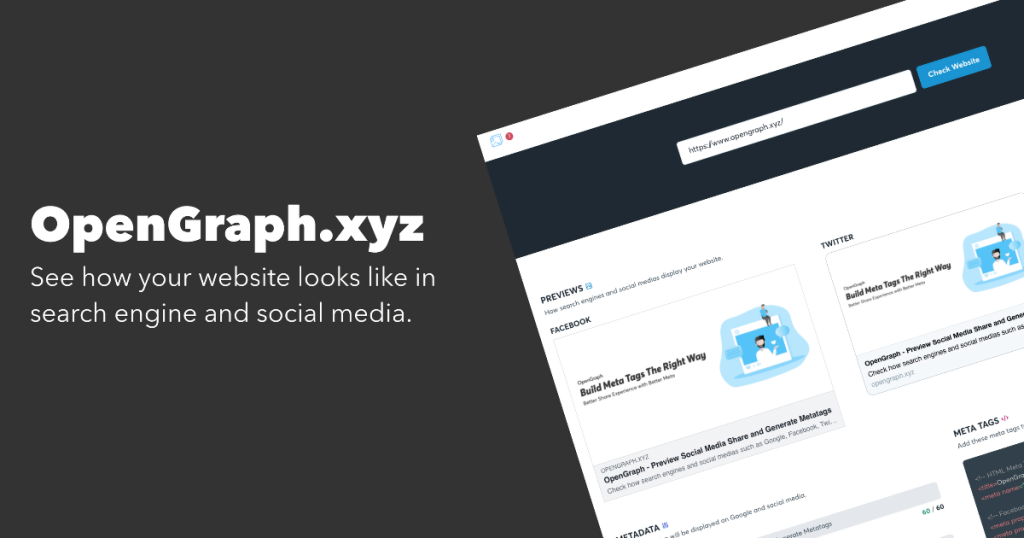
Generate meta tags and social media previews for any URL on the Web. Add Open Graph previews to your website in a few simple steps. Especially handy for checking and debugging Meta and Faceboook OG tags.
META’s own Sharing Debugger also lets you preview how your content will look when it’s shared to Facebook and debug any issues with your Open Graph tags.
https://developers.facebook.com/tools/debug
Generating meta tags and social media previews is more than just a technical step; it is a critical part of digital branding and conversion optimization. When you share a link, you aren’t just sharing a URL—you are presenting a “digital billboard” for your content.
Here is why using these tools and tags is so essential:
Without specific Open Graph (OG) tags, social platforms like Facebook or LinkedIn will “scrape” your site and make a best guess. This often results in:
- Missing or random images (like a logo from the footer or a navigation icon).
- Truncated or confusing titles.
- “Broken” looking links that users are hesitant to click for security reasons.
By defining these tags, you ensure your link looks polished and intentional, which immediately builds credibility with your audience.
Data consistently shows that “rich” objects—posts with a clear image, headline, and description—outperform plain text links.
- Visual Dominance: An optimized
og:image(ideally 1200 \ 630 pixels) takes up more screen real estate in a feed, making it harder to scroll past. - Persuasive Copy: You can tailor the
og:titleandog:descriptionspecifically for social users, which may be different from your SEO meta tags meant for Google. - Engagement Boost: Studies indicate that Facebook posts with optimized images see roughly 2.3x more engagement than those without.
Tools like the Facebook Sharing Debugger are essential because social platforms cache (save) your link’s information.
- Update in Real-Time: If you fix a typo on your website, social media might still show the old version. Using a debugger allows you to “Scrape Again,” forcing the platform to update its preview immediately.
- Error Detection: These tools highlight missing required tags (like
og:type) or let you know if your image file is too large to load, saving you from a failed post.
Core Tags to Include
To make your website “social-ready,” you should implement these four primary tags:
| Tag | Purpose | Best Practice |
og:title | The headline of your content. | Keep it under 60 characters. |
og:description | A 1–2 sentence summary. | Focus on the “hook” or value proposition. |
og:image | The visual preview. | Use 1200 \times 630 px for high-resolution displays. |
og:url | The permanent (canonical) link. | Ensures all “Likes” and shares go to one place. |